Conditional logic
Show or hide tasks based on answers, so each run fits the situation.
Describe it and AI drafts the template in seconds. CheckFlow then assigns every task, chases every deadline and records who did what, for every hire, leaver, client and audit.
14-day free trialNo credit cardUnlimited free guests
Employee Onboarding – Sam Lee
Started by Dana K. · Start date Mon 12 Oct
Alex M. approved system access · Manager welcome call unlocked
Lena O. completed Add to payroll
Phase shown: Remote equipment · 1 task assigned to IT
Priya N. answered Needs remote equipment? → Yes
Trusted by teams at









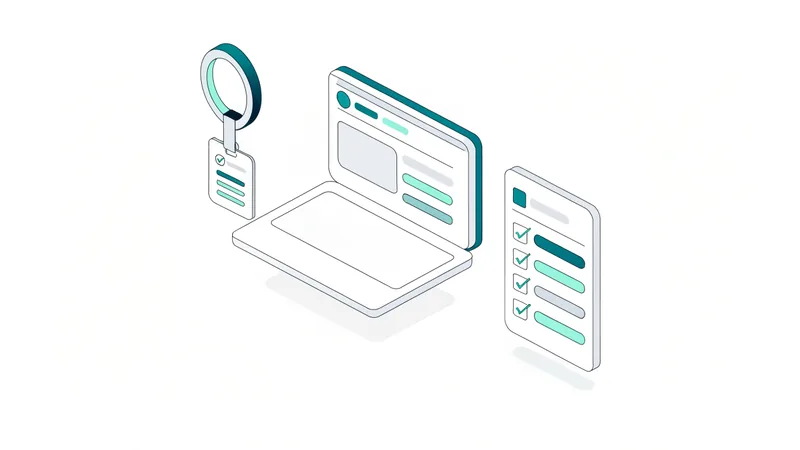
Design your process in a drag-and-drop editor. Add tasks, fields, owners, due-date rules and conditional logic. No code.
Start a checklist in seconds. Every task lands with the right person, with the right due date, and an email to tell them.
See every live process and every overdue task from the Reports Grid. Know what's done and who's responsible without asking.
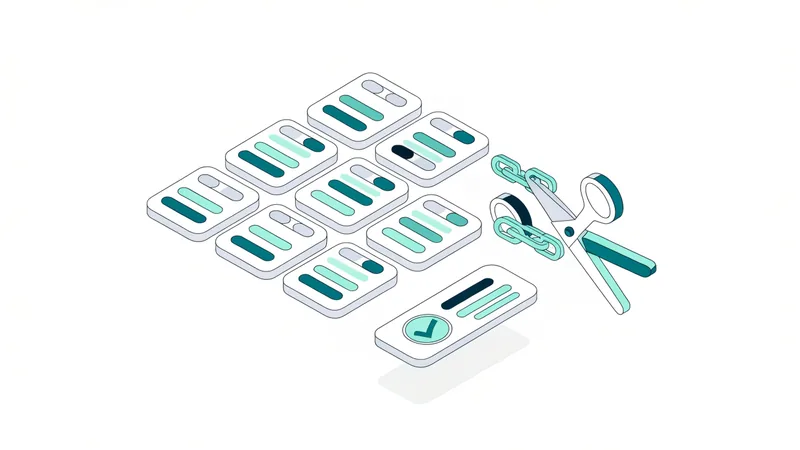
Rules you set once keep every run on track.
Show or hide tasks based on answers, so each run fits the situation.
Assign tasks to people, groups or whoever is picked when the checklist starts.
Deadlines calculated from the start date, other tasks or date fields.
Lock later steps until an approval or key task is done.
Reminder sequences before and after a task is due, to your team or external emails.
Daily, weekly, monthly or quarterly runs that start on schedule.
Start a new checklist with one click from anywhere.
Reusable lists of clients, assets or locations that feed your checklists.
Onboarding, offboarding, patching and change management, with every access change on record.
IT onboarding softwareGive every new hire the same great first 90 days, and every leaver a clean exit.
HR checklist softwareStandardise client onboarding, monthly maintenance and QBRs across every client, under your own brand.
MSP process managementTurn SOC 2, ISO 27001 and GDPR controls into recurring checklists with evidence attached.
Compliance checklist softwareOnboard clients the same way every time and share progress through a branded client view.
Client onboarding softwareUse AI to write your processes and do the busywork, while CheckFlow makes sure every step happens and is recorded.
Describe any process and get a structured template with steps, fields and due dates. No signup.
Try the generatorConnect Claude, ChatGPT, Gemini, Grok, Copilot or any other AI assistant. It can start checklists, fill in fields, complete tasks and update data sets. 147 tools, included on every plan.
Read the MCP guideBuild CheckFlow into your own systems and react to every task event.
Developer docsStart the onboarding checklist for Sam Lee, starting Monday 12 October.
template:   "Employee Onboarding"
name:       "Employee Onboarding – Sam Lee"
start_date: "2026-10-12"
Started "Employee Onboarding – Sam Lee". 24 tasks assigned across IT, HR and Finance. First due: "Create Active Directory account", Friday 9 October.
Every template opens as a live, working checklist you can try before you sign up.
Share checklists with clients, contractors and new hires at no extra cost.
White-label CheckFlow on every plan.
From $9 per user per month, billed annually. No per-feature upsells.
Live chat and email support from the team that builds CheckFlow.
It is easy to use, fast and reliable. … I’ve probably saved 5+ hours of my time every week using Checkflow.
Start from a template, generate one with AI, or build your own.
14-day free trial, no credit cardFull refund in your first 30 daysUS hosting, EU on request