
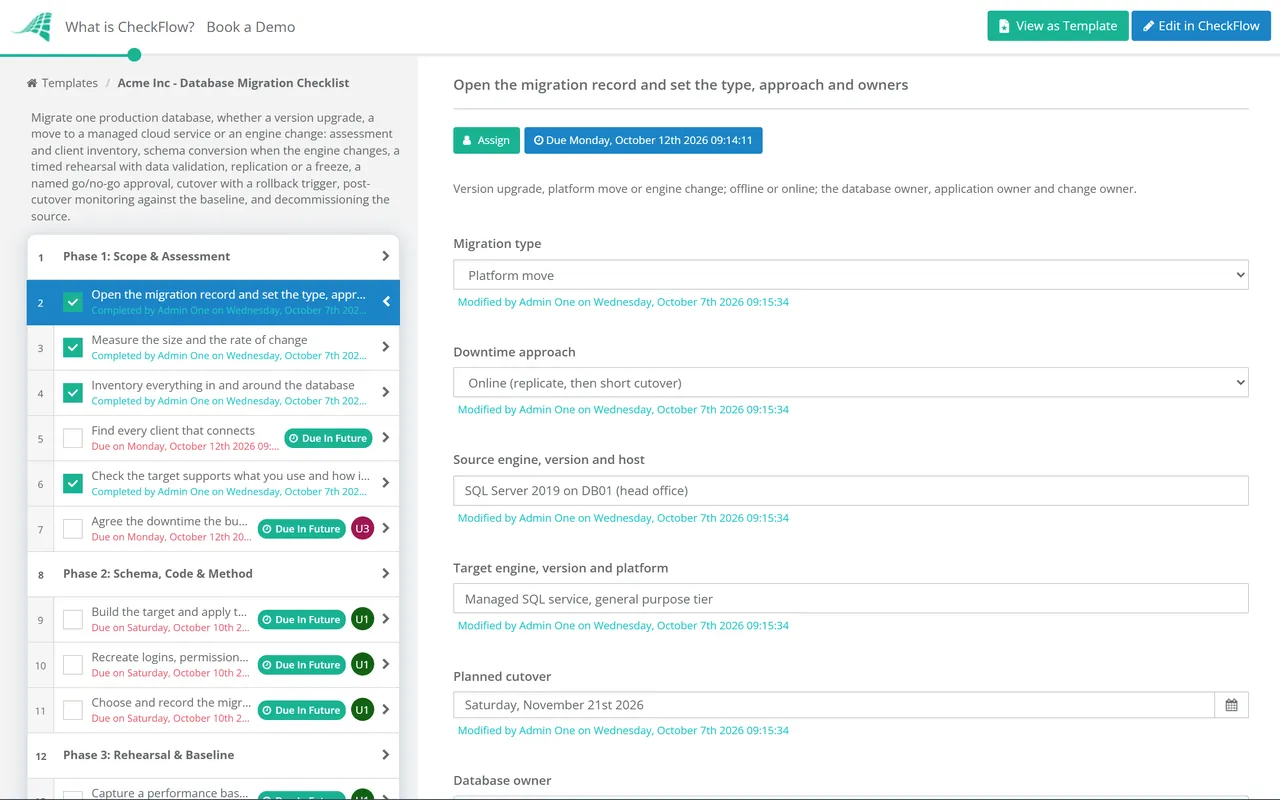
Same engine, newer release
Changes: the optimiser, defaults and deprecated features.
Typical method: in-place upgrade, or a side-by-side copy.
Main risk: query plans that change after the upgrade.
Last reviewed: October 2026
No Credit Card Required
Printed from checkflow.io/templates/information-technology/database-migration-checklist
This free database migration checklist moves one production database, for DBAs, platform engineers and MSPs. It covers the three common cases: a major version upgrade, a move to a managed cloud database service, and an engine change such as Oracle or SQL Server to PostgreSQL. It runs from assessment and schema conversion through a timed rehearsal, data validation and a performance comparison, to a cutover with a freeze, a rollback point and an approved go/no-go. The output is a database running on its new platform, validated against the source, with the old instance on its way out.
This checklist works at the level of a single database. Moving a whole application, with its servers, network and load balancers, to AWS, Azure or Google Cloud is a workload migration, and that starts with the Cloud Migration Checklist. When its strategy step lands on Replatform, swapping a self-managed database for a managed service, the database itself moves here and the workload runbook waits for the result.
Changes: the optimiser, defaults and deprecated features.
Typical method: in-place upgrade, or a side-by-side copy.
Main risk: query plans that change after the upgrade.
Changes: the host, often to a managed service with no operating system access.
Typical method: backup and restore, native replication or a migration service.
Main risk: features, jobs and logins the managed service handles differently.
Changes: data types, procedural code, case and date handling.
Typical method: schema conversion, then a migration service with change data capture.
Main risk: code that converts cleanly but behaves differently.
Seven phases take one database from assessment to a decommissioned source. The migration type decides whether schema conversion tasks appear, the downtime approach decides whether data moves by replication or in the outage, and the change owner approves the cutover before writes stop. Open one record per migration.
The migration type and downtime approach recorded on the first task decide which tasks appear in Phases 2, 4 and 5.
The first three tasks appear only for an engine change.
The replication tasks appear only for an online migration. The change owner records Approved or Not approved on the last task, and the checklist halts until they decide.
The final copy appears for an offline migration; draining replication appears for an online one.
The method follows from two numbers measured in Phase 1: how much data there is and how long the business can be without it.
| Method | Downtime | Suits | Watch for |
|---|---|---|---|
| In-place upgrade | The upgrade run | Version upgrades on the same server | Whether the old version can still be started afterwards |
| Backup and restore | Backup, copy and restore time | Same engine, moderate size | Restore time growing with the database |
| Dump and load | Export plus import and index builds | Small databases, version jumps | Index and constraint builds dominating the window |
| Native replication | Minutes to drain | Same engine, large or busy databases | Version and edition limits on replication |
| Migration service with change data capture | Minutes to drain | Engine changes and moves to managed services | Objects the service does not create |
AWS DMS creates tables and primary keys on the target, but not secondary indexes, foreign keys or user accounts, which is why Phase 2 builds those separately. AWS also warns that its change data capture has no latency SLA and can lag by minutes or more under heavy source load. Its data validation compares source and target row by row, but only for tables with a primary key or unique index. For an engine change, DMS Schema Conversion produces an assessment report of what converts automatically and what needs manual work, which is the input to Phase 2.
Azure Database Migration Service currently covers SQL Server moves to Azure SQL Database (offline), and to Azure SQL Managed Instance and SQL Server on Azure Virtual Machines (online or offline). It migrates schemas but not logins.
On SQL Server, query optimiser changes follow the database compatibility level, not the engine version. Microsoft’s recommended path is to upgrade, keep the old compatibility level, let Query Store capture a baseline, then raise the level and force the earlier plan for any query that regresses. On PostgreSQL 18, pg_upgrade carries most optimiser statistics across, but not extended statistics created with CREATE STATISTICS, so plan a statistics refresh after the upgrade. In link mode the old cluster cannot be used once the new one has started, so your rollback point is the backup, not the old cluster.
A table inside the rehearsal task holds each step, its owner and its measured duration, and the cutover runbook is written from those rows. Dynamic due dates count back from the cutover date, so the rehearsal and backup test land in time.
Conditional logic shows schema conversion tasks only for an engine change, and replication or final-copy tasks according to the downtime approach. The cutover approval goes to the change owner picked on the first task, and nothing stops writes until they decide.
Row count reports, checksum output and baseline comparisons attach to the tasks they prove. The activity trail records who validated what and when, and the application owner’s acceptance is a field on the record, not an email.
A production database migration is a change. Raise and close it through the IT Change Management Checklist, and see CheckFlow’s change management checklist software for how approvals, halts and evidence work across IT changes. The rollback backup in Phase 4 is only worth taking if it restores, which is what the Backup Verification & Restore Test Checklist proves every month.
When the source is finally switched off, the Server Decommissioning Checklist removes the rest of it, and alerts for the new instance are set up with the Monitoring & Alerting Setup Checklist. Moving the application servers as well? Start from the Cloud Migration Checklist.
Cloud Migration Checklist
IT Change Management Process Template
Backup Verification & Restore Test Checklist
Server Decommissioning Checklist
Monitoring & Alerting Setup Checklist
Describe the process in a sentence and the AI checklist generator drafts the phases and tasks for you.
A homogeneous migration keeps the same engine, for example SQL Server on-premises to Azure SQL Managed Instance, so the schema and code move largely unchanged. A heterogeneous migration changes the engine, for example Oracle to PostgreSQL, so the schema and procedural code have to be converted and retested first. Heterogeneous migrations carry most of their risk in that conversion, not in the data copy.
The project time depends on the type: a version upgrade may take weeks of testing, an engine change months of conversion work. The cutover itself depends on the method. An offline copy takes as long as the backup, transfer and restore, while an online migration with replication needs only minutes to drain. The only reliable figure comes from a full rehearsal on production-sized data, which is why Phase 3 times every step.
Use several checks, because each misses something. Compare row counts for every table, compare checksums or hashes of key tables or columns, and run sample queries chosen by the application owner, such as last month’s totals. Migration services can add row-by-row validation. Run the same checks in the rehearsal, so you know they work and how long they take before the cutover window.
Point the applications back at the source, which stays untouched and read-only until the rollback period ends. The hard part is data written to the target after cutover: either set the rollback trigger before any production writes reach the target, or plan reverse replication from the target to the source. If the source cannot be restarted after an in-place upgrade, the rollback point is the verified backup.
For a same-engine move, native backup and restore or replication is usually simpler and keeps everything the engine knows about. A service such as AWS DMS earns its place for engine changes and for online moves where native replication is not available between the two platforms. Either way, check what the tool leaves behind: indexes, constraints, logins and jobs often have to be built separately.
14-day free trial, no card required. The Business plan is $10 per user per month after the trial. Full details at checkflow.io/pricing.
14-day free trial, no credit cardFull refund in your first 30 daysUS hosting, EU on request