
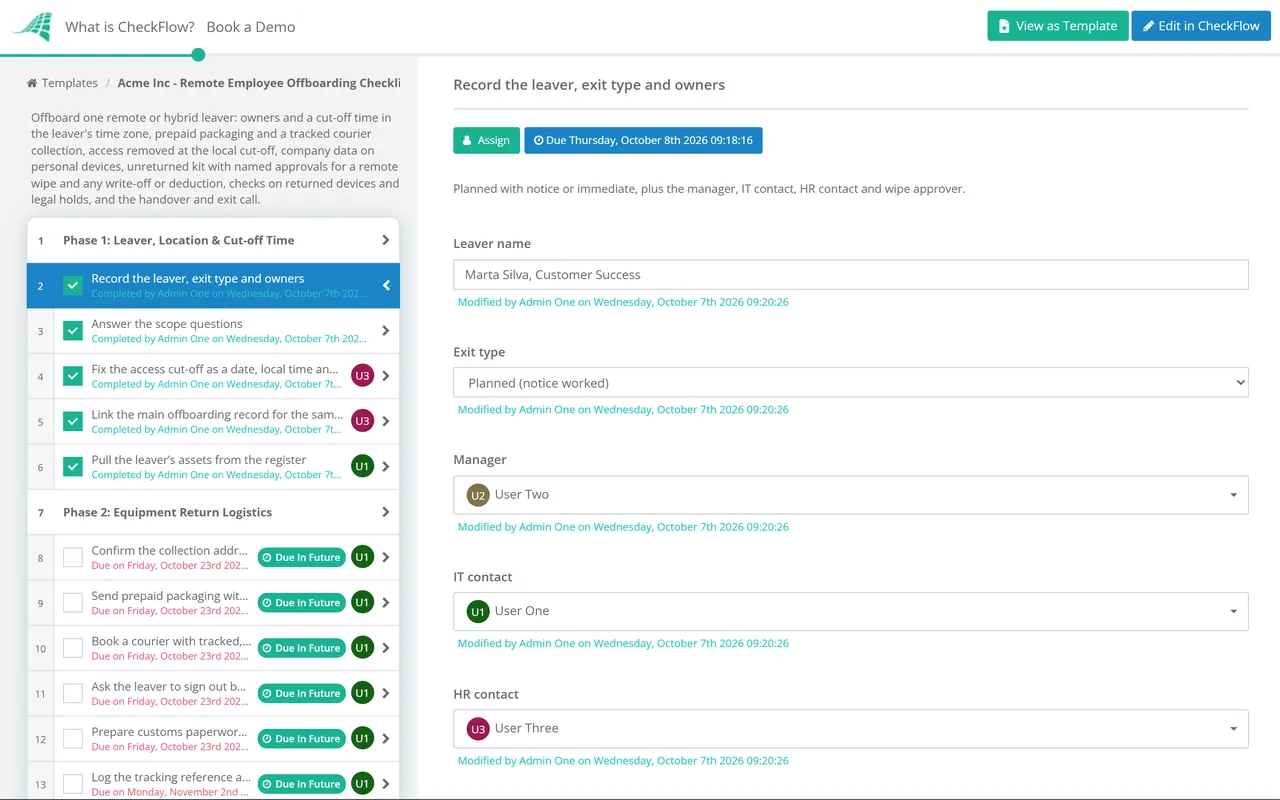
The kit comes back by parcel
Office: handed in on the last day and checked on the spot.
Remote: packaging, a booked collection, tracking and, abroad, customs.
Risk: a device that never arrives, still holding data.
Last reviewed: October 2026
No Credit Card Required
Printed from checkflow.io/templates/remote-work-hybrid-teams/remote-employee-offboarding-checklist
This free remote employee offboarding checklist covers the parts of a departure that distance changes. It is for IT, HR and managers of remote and hybrid staff, and runs beside your main leaver process. It plans the courier return, including cross-border returns, times the access cut-off to the leaver’s own working day, removes company data from personal devices, and decides when to lock, wipe or preserve a device. It ends with every serial accounted for and a named approver behind any wipe or write-off.
In an office, the last day ends with a laptop handed over a desk. Remotely, the same moment is spread across a week: a box goes out, a courier tries twice, an account is blocked on someone else’s clock, and work email stays on a personal phone nobody asked about. Three things need a different plan.
Office: handed in on the last day and checked on the spot.
Remote: packaging, a booked collection, tracking and, abroad, customs.
Risk: a device that never arrives, still holding data.
Office: access goes when the person walks out.
Remote: a set local time, converted for whoever presses the button.
Risk: a leaver locked out at lunchtime, or still signed in a day later.
Office: mostly on company devices on company premises.
Remote: on personal phones, home printers and downloads folders.
Risk: data you can neither see nor wipe.
Final pay, the exit interview and team communication stay in the Employee Offboarding Checklist, and closing accounts app by app belongs to the SaaS Access Offboarding Checklist. Devices that will not be reissued continue to the IT Asset Disposal Checklist. This page is the remote layer between them.
Seven phases run once per leaver, with due dates counted from the last working day. Scope answers show the urgent cut-off, customs, personal-device and legal-hold tasks only when they apply, and a missing device opens the lock and wipe tasks, each wipe or write-off behind a named approver.
The people picked on the first task are assigned the later tasks. The answers on the second task decide which conditional tasks appear.
The customs task appears only when the leaver is in another country. Send the packaging early enough that collection happens on or just after the last day.
The urgent cut-off task appears only when the exit type is Immediate. It runs during the conversation, not after it.
The first four tasks appear only when personal devices were used for work. The written confirmation applies to every leaver.
Answering No on the first task shows the rest. The wipe approver and the HR contact each record Approved or Not approved, and the checklist halts at each decision.
The preserve task appears only under a legal hold, and the wipe-and-reissue task only when there is none. The stipend task appears when stipend-funded items exist.
Wiping feels like the safe default, and often it is not. A wipe destroys evidence you may be obliged to keep, and on a personal device it destroys the leaver’s own data. Pick the action from the situation.
| Situation | Action | Why | Evidence to keep |
|---|---|---|---|
| Company device returned, no hold | Wipe and reissue, or dispose | Data has no further use on that device | Wipe or sanitisation record by serial |
| Company device returned, legal hold | Preserve; do not wipe | The data may be needed as evidence | Custody log and storage location |
| Company device not returned, no hold | Lock now, wipe once approved | Locking buys time without losing data | Lock and wipe status, approval |
| Company device not returned, legal hold | Lock only and escalate to legal | A wipe would destroy what the hold protects | Escalation record |
| Personal phone with a work profile or protected apps | Retire or selective wipe | Removes work data only | Retire status |
| Company files on a personal computer | Ask, then confirm in writing | Unmanaged devices cannot be wiped remotely | Leaver’s written confirmation |
Article 5(1)(f) of the UK and EU GDPR requires security against loss and unauthorised access, and Article 32 names encryption among the measures. If a device never comes back, decide whether that is a personal data breach: one that risks people’s rights must be reported to the regulator within 72 hours, now the Information Commission in the UK, and encryption is the best evidence that the risk is low. In Microsoft Intune, Retire keeps personal data, and the action runs only when the device next checks in.
Two points for the money. In the UK, section 13 of the Employment Rights Act 1996 allows a deduction from wages only under a contract term or the worker’s written consent given beforehand, so settle the equipment clause at onboarding. And for kit returned to the UK from abroad, HMRC’s Returned Goods Relief can remove import duty and VAT for goods coming back unaltered within three years, if you can show they were exported.
The asset list sits in a table on the first phase and travels with the run. Tracking references, condition photos and the courier receipt attach to the task that produced them, so a missing dock is visible on day one.
The wipe approver and the HR contact are picked in Phase 1, and the checklist halts at each approval. A wipe cannot be sent before someone has checked for a legal hold, and no deduction reaches payroll unapproved.
Dynamic due dates count from the last working day, so packaging goes out before it and the chase follows it. Conditional logic adds customs, personal-device and urgent cut-off tasks only when they apply, and the activity trail shows who did each step.
Identity, devices and HR coordination for every leaver run through CheckFlow’s IT offboarding checklist software, and the IT offboarding checklist guide sets the order for voluntary and involuntary exits. A webhook or Zapier trigger from your HR system can start this checklist when a remote leaver is confirmed.
A clean exit starts at the beginning. Remote employee onboarding software records what was shipped and to which address, the Remote Employee Onboarding Checklist covers the first ninety days, and the Remote Work Security Checklist sets up the controls this page later removes.
Employee Offboarding Checklist
SaaS Access Offboarding Checklist
IT Asset Disposal (ITAD) Checklist
Remote Employee Onboarding
Remote Work Security Checklist
Describe the process in a sentence and the AI checklist generator drafts the phases and tasks for you.
Confirm the address, send prepaid padded packaging with a packing list by serial number, and book a tracked, insured collection from the door so the leaver does not have to pay or queue. Ask them not to reset anything. Log the tracking reference, check each serial on arrival, and chase on a fixed timetable if a box does not appear.
Not as a first step. Lock it first where the platform allows: a lock protects the data and keeps it intact. Wipe only once someone has confirmed there is no legal hold, investigation or business data still needed, and record that approval. A wipe command also waits until the device next connects, so record when it was sent and when it completed.
In the UK, only if the employment contract allows it or the employee agreed in writing before the event, under section 13 of the Employment Rights Act 1996. Consent given after the laptop goes missing does not count. Other countries and US states have their own rules, so take advice before deducting anything.
For a planned exit, at an agreed local time on the last working day, set in the leaver’s time zone and converted for the person doing it. For a dismissal or other urgent exit, during the conversation itself. Check the sign-in logs the next working day.
Use a retire or selective wipe from your device management tool. On an Android work profile it removes the whole profile; with protected apps it removes work data from those apps the next time they open. Personal photos and messages are untouched. Where work data sat outside managed apps, ask the leaver to delete it and confirm in writing.
14-day free trial, no card required. The Business plan is $10 per user per month after the trial. Full details at checkflow.io/pricing.
14-day free trial, no credit cardFull refund in your first 30 daysUS hosting, EU on request