The 'Fail-Safe' Launch Protocol: The Ultimate Guide to Zero Errors

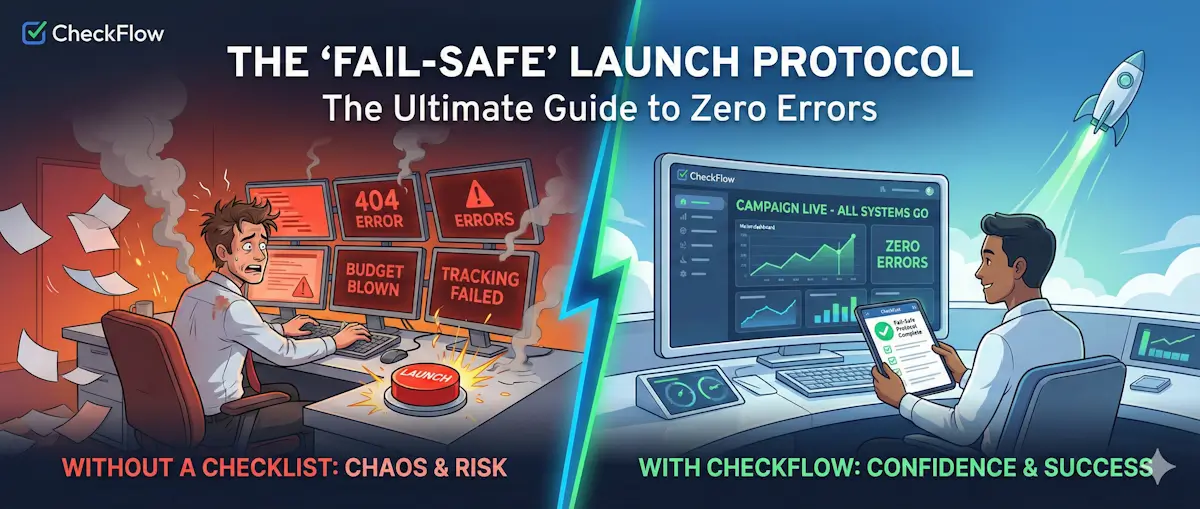
You press "Publish." You high-five your team. You go to lunch.
Two hours later, your client calls: "Why does the landing page say '404 Error'?"
It is the nightmare scenario for every marketer. You spent weeks on the creative, days on the copy, and thousands of dollars on the media buy—only to have the entire campaign fail because of one tiny technical glitch.
You don't need a bloated list that nobody reads. You need a Fail-Safe Protocol—the critical checks that stand between you and a refund request.
The "Million Dollar Mistake"
We've all been there. The wrong UTM parameter tracking "Facebook" traffic as "Direct." The typo in the headline that nobody noticed because they read it 50 times. The discount code that expired yesterday.
Human error is inevitable. If you rely on memory to check your campaigns, you will miss something eventually. Professional pilots use pre-flight checklists not because they don't know how to fly, but because the cost of failure is too high.
As a marketing agency or in-house team, this checklist is your insurance policy.
The Critical Steps
Our Campaign Launch Template strips away the fluff. It focuses on the four zones where errors are most likely to occur:
Zone 1: The Destination (Landing Pages)
Never drive traffic to a page you haven't tested on mobile and desktop.
- Speed Test: Does it load in under 3 seconds? (Use Google PageSpeed Insights).
- Form Check: Submit a fake lead. Did you get the "Thank You" page? Did the email arrive in your CRM?
- Legal Footer: Are the Privacy Policy and Terms of Service links working? (Ad platforms will ban you if these are broken).
Zone 2: The Tracking (Analytics)
Launching without tracking is like driving blindfolded.
- Pixel Helper: Is the Facebook Pixel firing? Is the Google Ads Conversion tag active?
- UTM Parameters: Are your links tagged with
source,medium, andcampaign? - Goal Setup: Verify that your "Success" URL triggers a goal completion in GA4.
Zone 3: The Creative (Ads & Copy)
Typos destroy trust.
- Spell Check: Run all copy through Grammarly one last time.
- Image Resizing: Do your images look good on Stories (9:16) and Feeds (1:1)?
- Offer Match: Does the ad promise "50% off" while the landing page says "20% off"? Disconnects kill conversion rates.
Zone 4: The Budget (Safety Limits)
The most dangerous setting in any ad platform is the daily budget.
- Decimal Point Check: Did you type $100.00 or $1000.00?
- Start/End Dates: Is the campaign scheduled to end automatically, or will it run forever if you forget?
How to Automate Your QA Process
You can't automate the fixing, but you can automate the checking.
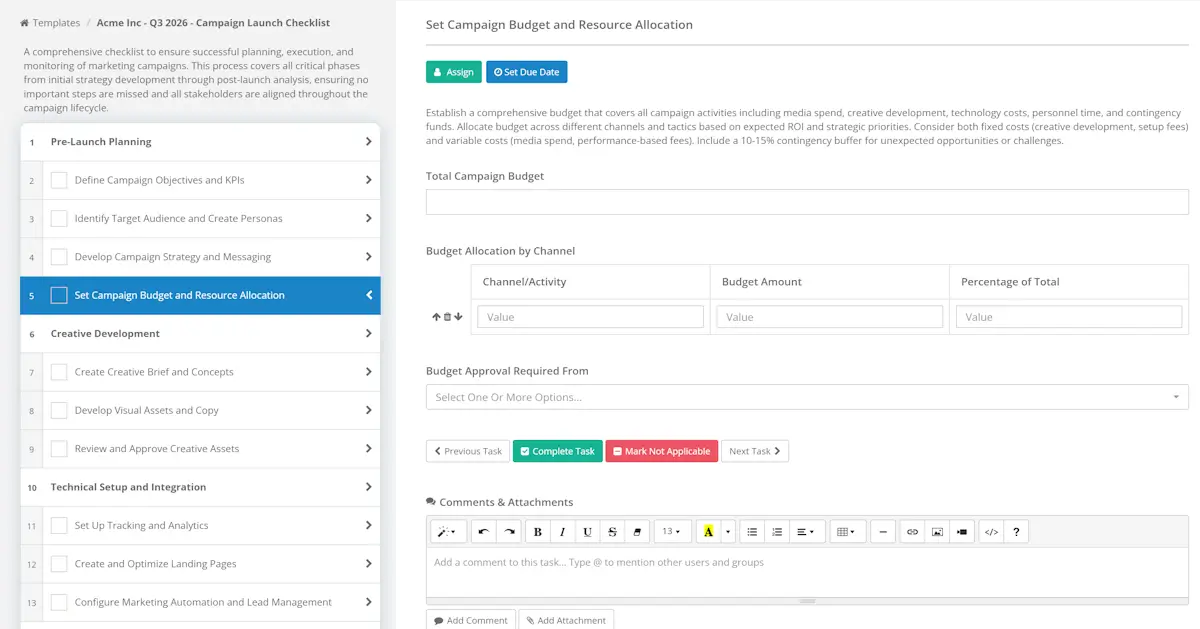
Using the Marketing Campaign Launch Template in CheckFlow ensures that no campaign goes live until every box is ticked.
Why use CheckFlow for this?
- Mandatory Evidence: Force your team to upload a screenshot of the "Form Submission Success" before they can complete the task.
- Audit Trail: If something breaks later, you can look back and see exactly who checked it and when.
- Peace of Mind: Sleep better knowing you didn't just burn your client's budget.
Launch with Confidence. Every Time.
Don't leave your reputation to chance. Import and customize our "Fail-Safe" checklist today.
Get the Campaign Launch TemplateImport directly into your CheckFlow dashboard.