Stop the Revisions: How to Write a Creative Brief That Designers Actually Understand

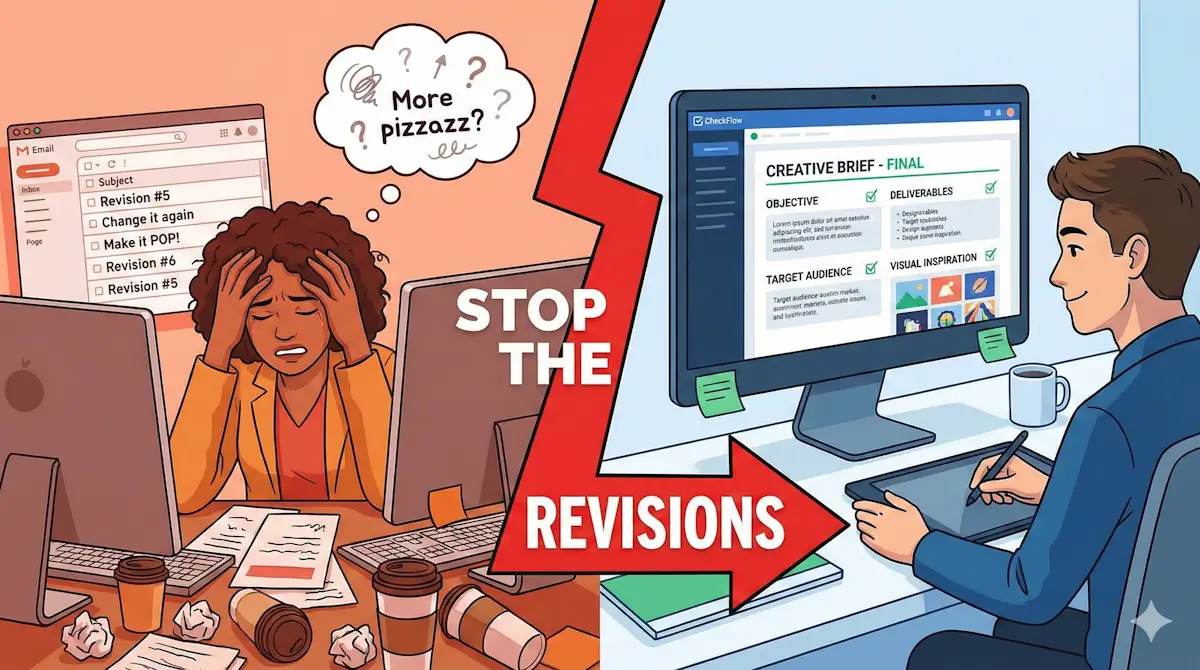
"Can you just make it pop?"
"I'll know what I like when I see it."
If you have ever said these words to a designer, you are the reason your project went over budget.
The gap between "what the client wants" and "what the creative team delivers" is usually where profit margins go to die. Every round of revisions costs money. Every "quick tweak" pushes the timeline back.
The problem isn't usually the talent of the designer; it's the clarity of the instructions. A bad brief is just expensive guesswork.
The Real Cost of "Vague"
When you skip the intake process—or handle it via a quick Slack message—you are inviting "Scope Creep."
Without a signed-off brief, there is no boundary for the project. The client can (and will) change their mind about the target audience, the color palette, and the core message halfway through the design phase. And because you never wrote it down, you can't say "that's out of scope."
A structured Creative Brief Intake acts as a contract of expectations. It forces stakeholders to make hard decisions before pixel-pushing begins.
The Anatomy of a Perfect Brief
We analyzed hundreds of successful design projects to build our Creative Brief Template. Here are the non-negotiable sections you need to include:
1. The "Why" (Objectives & KPIs)
Don't just say "we need a Facebook Ad." Ask why. Is the goal brand awareness? Clicks? Direct sales? A design meant to get clicks looks very different from a design meant to build prestige.
2. The "Who" (Target Audience Deep Dive)
Demographics are boring. Go deeper. What is the user doing right before they see this design? What problem are they trying to solve? Giving your designer a "persona" helps them visualize who they are talking to.
3. The "Specs" (Deliverables)
Nothing kills a designer's soul like finishing a beautiful 1080x1080 Instagram post, only to be told, "Actually, we need this for a billboard."
List every format upfront:
- Dimensions (pixels/inches)
- File Formats (.jpg, .png, .pdf, .ai)
- Color Mode (CMYK vs RGB)
4. The "Vibe" (Visual Inspiration)
Words are terrible at describing pictures. "Modern" means something different to everyone. Always require:
- 3 examples of design you love.
- 1 example of design you hate.
How to Fix Your Intake Process with CheckFlow
The hardest part of a brief is getting the client (or the busy marketing manager) to actually fill it out.
If you send them a Word doc, they will leave half of it blank. If you do it on a call, you might miss details.
The Solution: Use a CheckFlow Workflow.
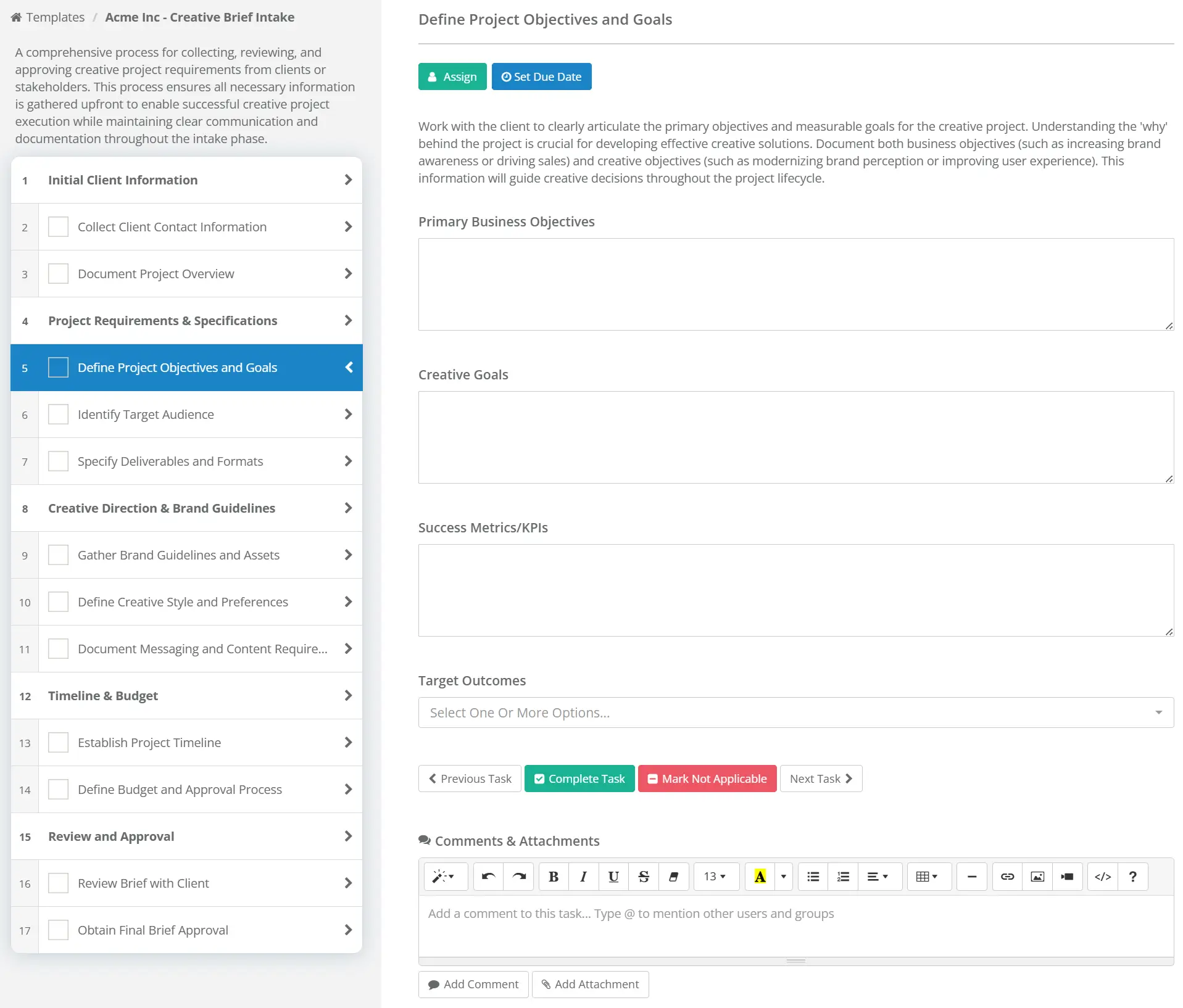
With our pre-built Creative Brief Template, you can:
- Make Fields Mandatory: They literally cannot submit the request without attaching the logo files. No more chasing assets.
- Share Externally: Send a secure link to your client. They fill out the brief, and it automatically creates a task list for your creative team.
- Approve Before Starting: Add an "Approval" step where the Creative Director reviews the brief. If it's too vague? Reject it back to the client with one click.
Start Your Next Project the Right Way
Stop guessing what your clients want. Force clarity with a standardized intake process.
Get the Creative Brief TemplateAvailable now in the Marketing Template Library.